
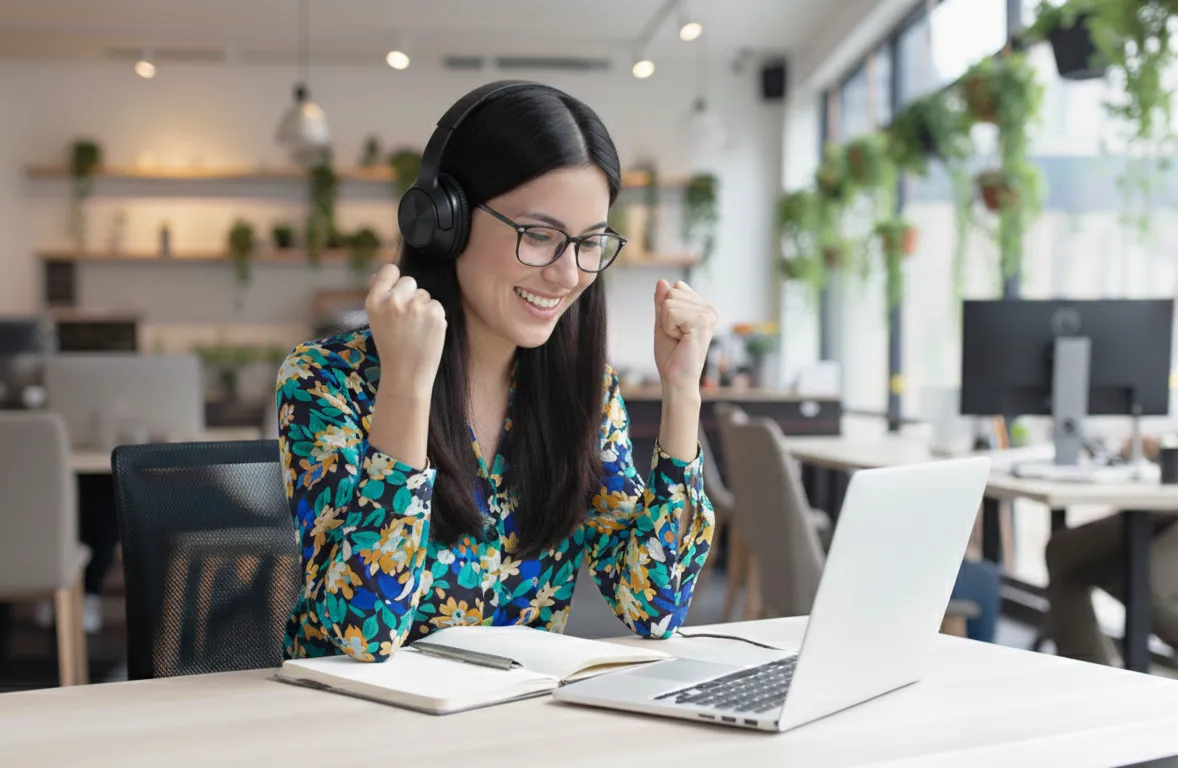
7 benefits of choosing Online Private lessons via Zoom vs. In-person lessons
Have you considered taking private German lessons to kickstart or improve your German skills? Are you looking for faster progress and more effective learning?
Private German lessons are one of the most efficient and flexible ways to achieve real results. Because the sessions are fully tailored to your needs, you focus on exactly what matters most to you while still enhancing your Grammar skills.
They offer targeted, practical solutions—especially if you have specific goals, such as advancing your career in Germany, writing professional emails, improving customer communication, or preparing for job interviews in German.
Private lessons are available in 2 formats: online (e.g., via Zoom) and in person. Below, we break down the 7 key benefits of choosing online private lessons via Zoom compared to in-person lessons.
1. Lessons accessible anywhere
Unlike In-person lessons with a fixed classroom or place to learn, online learning gives you the freedom to study from anywhere with an internet connection. Whether you’re at home, in a quiet café, at the office, or even traveling, or anywhere in the world, your German lessons are available to you. Zoom’s virtual background feature lets you maintain a professional appearance during lessons, regardless of your actual surroundings. Additionally, the platform works seamlessly across all devices—computer, tablet, or smartphone—so you can learn on the device that suits you best.
2. Flexible schedule options
Online lessons can be scheduled at a time that suits both the teacher and the student, making it much easier to fit German classes around work, family life, and personal life. Sessions can be booked at any time, thanks to Zoom’s integrated calendar. If plans change, lessons can be cancelled or rescheduled. Everything is done digitally – it saves valuable time and keeps both teacher and student instantly informed of any changes.
In contrast, in-person classes usually take place at a fixed time and location, which can make it more challenging for busy professionals to combine language learning with work and other commitments.
3. A cost-saving solution compared to in-person classes
Course fees for online lessons are often lower than in-person classes. Since everything takes place online, both teachers and students save time and avoid travel-related expenses. Learning materials are provided digitally through Zoom’s file-sharing features—for example, documents, PDFs, and exercises. Online learning also makes high-quality German lessons accessible to everyone, regardless of your location. This is especially beneficial for learners living in small towns or rural areas, where local course options may be limited.
4. Customised lessons and learning at your own pace
Just like individual in-person classes, private online lessons offer customized courses tailored to your specific needs and level. One-to-one lessons are especially effective for students who prefer individual attention. Private online courses can also be arranged for small groups, such as between colleagues or friends with the same language level.
In addition, you can learn at a pace that suits you. Online Zoom lessons provide greater flexibility. Teachers can record lessons for students to view. Recorded sessions allow you to revisit lessons, review difficult topics and explanations, and complete assignments at your own pace. This is particularly beneficial for busy professionals balancing work and other responsibilities. The ability to pause, rewind, and replay grammar explanations helps deepen your understanding and build confidence more effectively.
5. Become more familiar with technology while Learning German
In today’s digital world, being comfortable with technology is essential—especially for your career. By taking online German lessons, you naturally develop stronger digital skills as well as language abilities. During virtual lessons, you become familiar with platforms like Zoom and learn how to use its features. These skills are valuable not only for language learning but also for future work and everyday digital interactions.
6. Zoom Smart Features/Tools That Make Online Learning More Effective and Interactive
Zoom is one of the leading user-friendly platforms for online classroom lessons. It recreates many key aspects of in-person learning, such as face-to-face lessons and real-time interaction with the teacher. It is not just for teaching live lessons; it also provides tools and great features for effective and interactive learning.
7. Access to diverse learning resources
One of the key benefits of online learning is having instant access to a wide range of digital materials, such as audio recordings, e-Books, videos, online articles, and PDFs, which you can explore together with your teacher in real-time. Unlike in-person classroom lessons, which often rely mainly on textbooks, online classes allow you to use diverse resources that make learning more engaging and interactive.
Zoom Classes vs In-person Classes

To sum up, both in-person and online courses offer benefits and limitations; your choice should reflect your schedule, flexibility, learning preferences, and budget.